Platform handbook
Platform overview
Clinifine e-learning connects students, tutors, and administrators in one institute platform. Modules hold learning content. Cohorts scope schedules, chat, and dashboards.
What this platform does
The product is built around three portals that share the same institute data but keep login experiences separate.
- 1Students enroll in modules, study lectures, submit homework, and earn certificates.
- 2Tutors build lectures, manage their students, grade homework, and submit certificate scores.
- 3Admins run modules and cohorts, approve lectures, manage people, payments, broadcasts, and branding.
Portal map
Use this map to find the right place for every role.
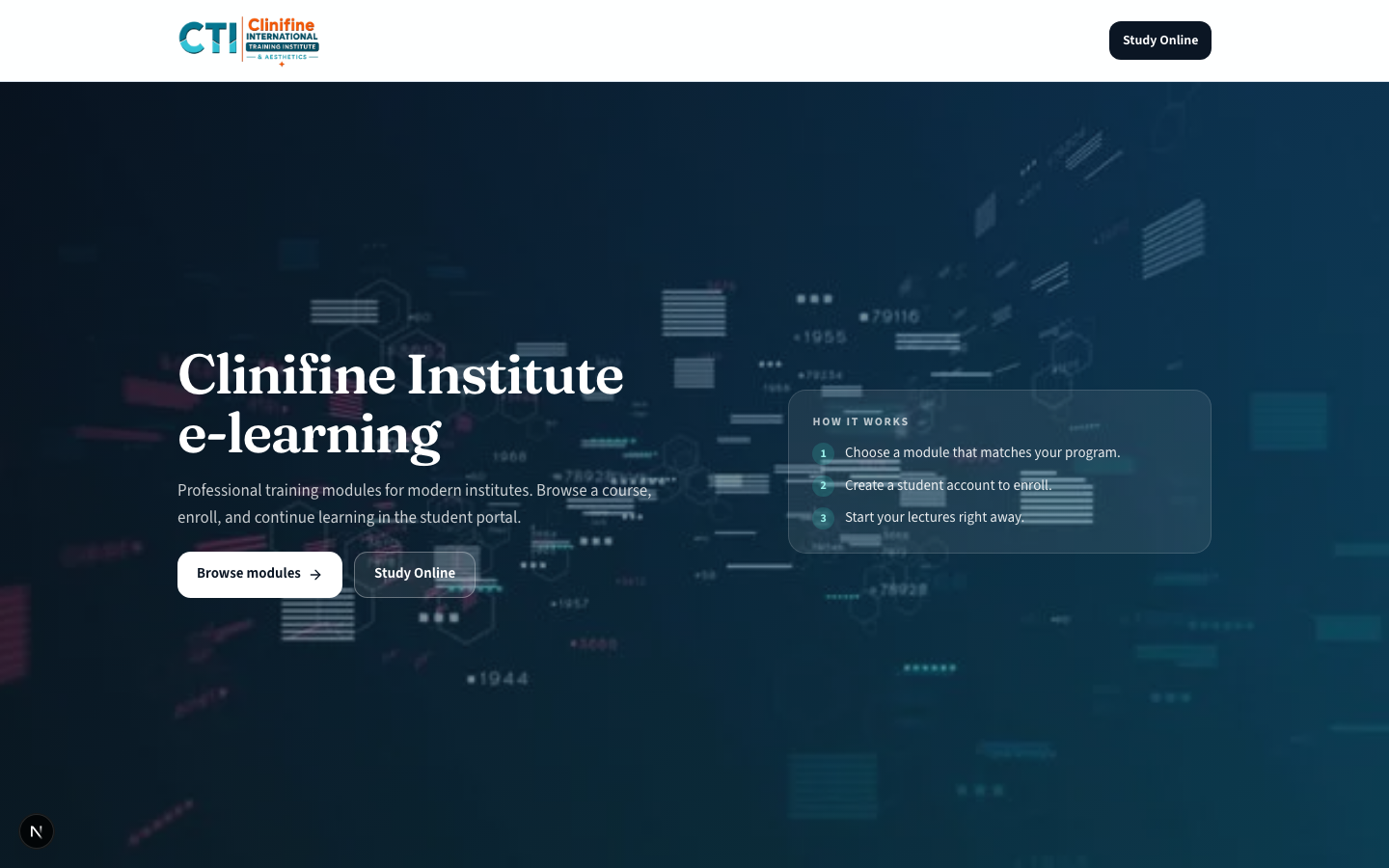
- 1Public: / (marketing), /login (choose portal).
- 2Student: /student/* after /student/login.
- 3Tutor: /tutor/* after /staff/login.
- 4Admin: /admin/* after /staff/login.
Only the neutral gateway at /login presents both Student and Staff options. Student and staff login pages stay separate by design.
Core concepts
Learn these terms before walking through any portal.
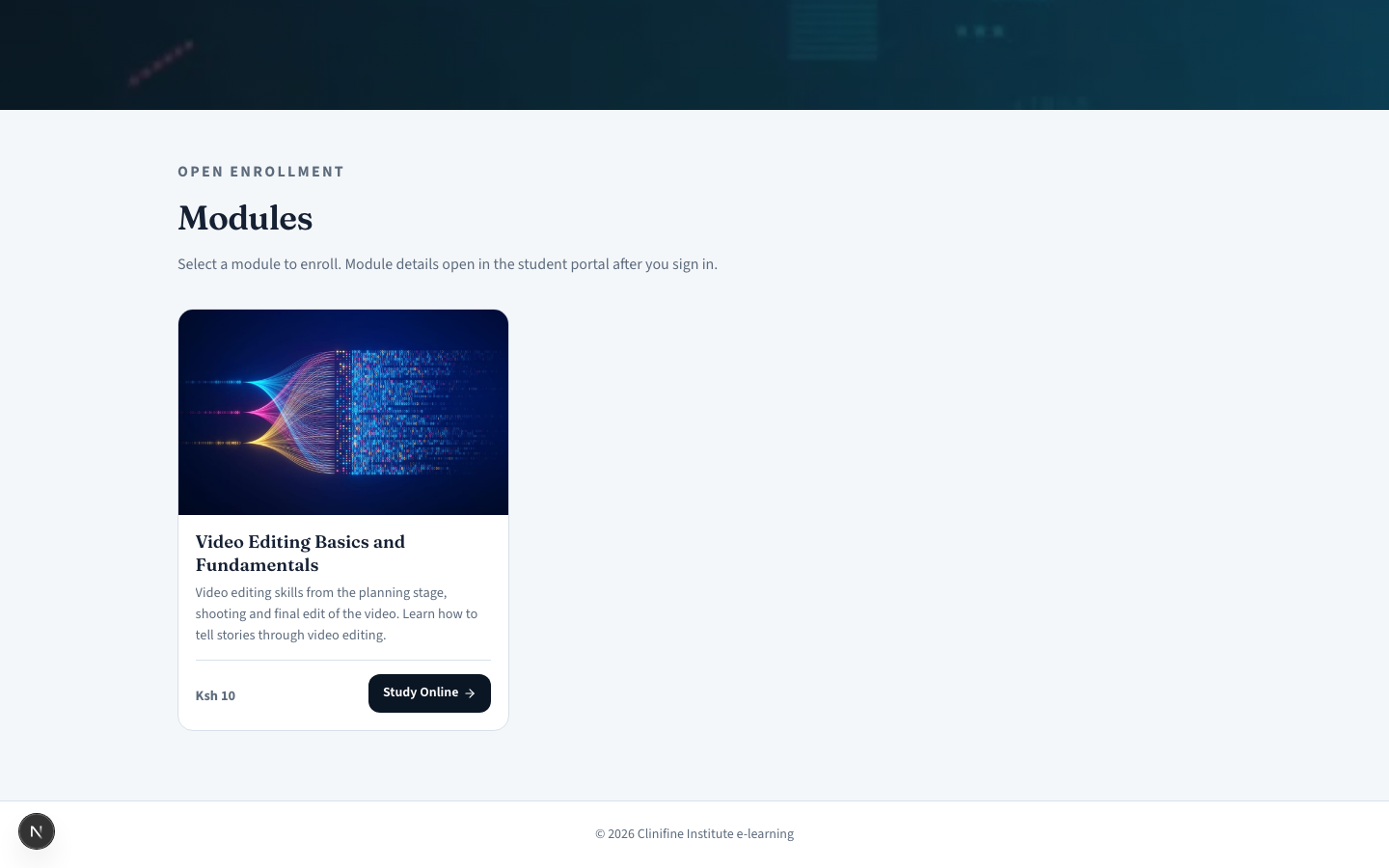
- 1Module (UI label) = department in the system. A priced learning program with lectures and tutors.
- 2Cohort = an intake group inside a module. Scopes schedule, chat, and tutor/student views.
- 3Lecture = a course built by a tutor with chapters (notes, video, quiz, or scheduled system blocks).
- 4Pending review = a lecture waiting for admin approval before students see published content.
- 5Enrollment = a student joining a module (free or paid via Paystack).