Platform handbook
Tutor portal handbook
How tutors build content, support students, grade work, and submit certificate scores.
Dashboard and context switcher
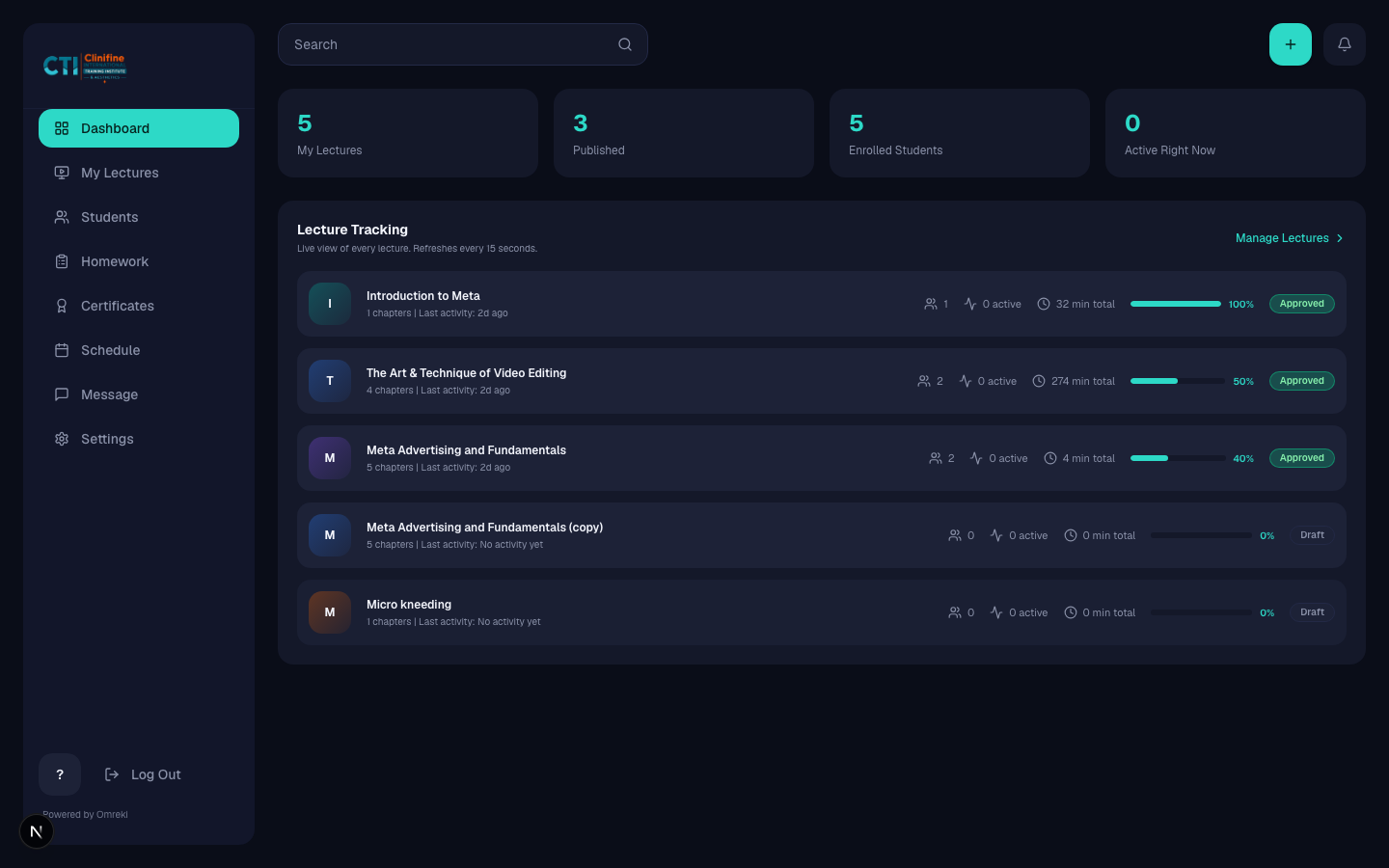
Start on /tutor. Use the top bar to switch module and cohort when you teach more than one.
- 1
Review analytics
Check lecture activity and quick links on the dashboard.
- 2
Confirm active module and cohort
Switch context from the tutor portal top bar before creating lectures or homework.
Build and submit lectures
Create lectures, structure chapters, then send them for admin review.
- 1
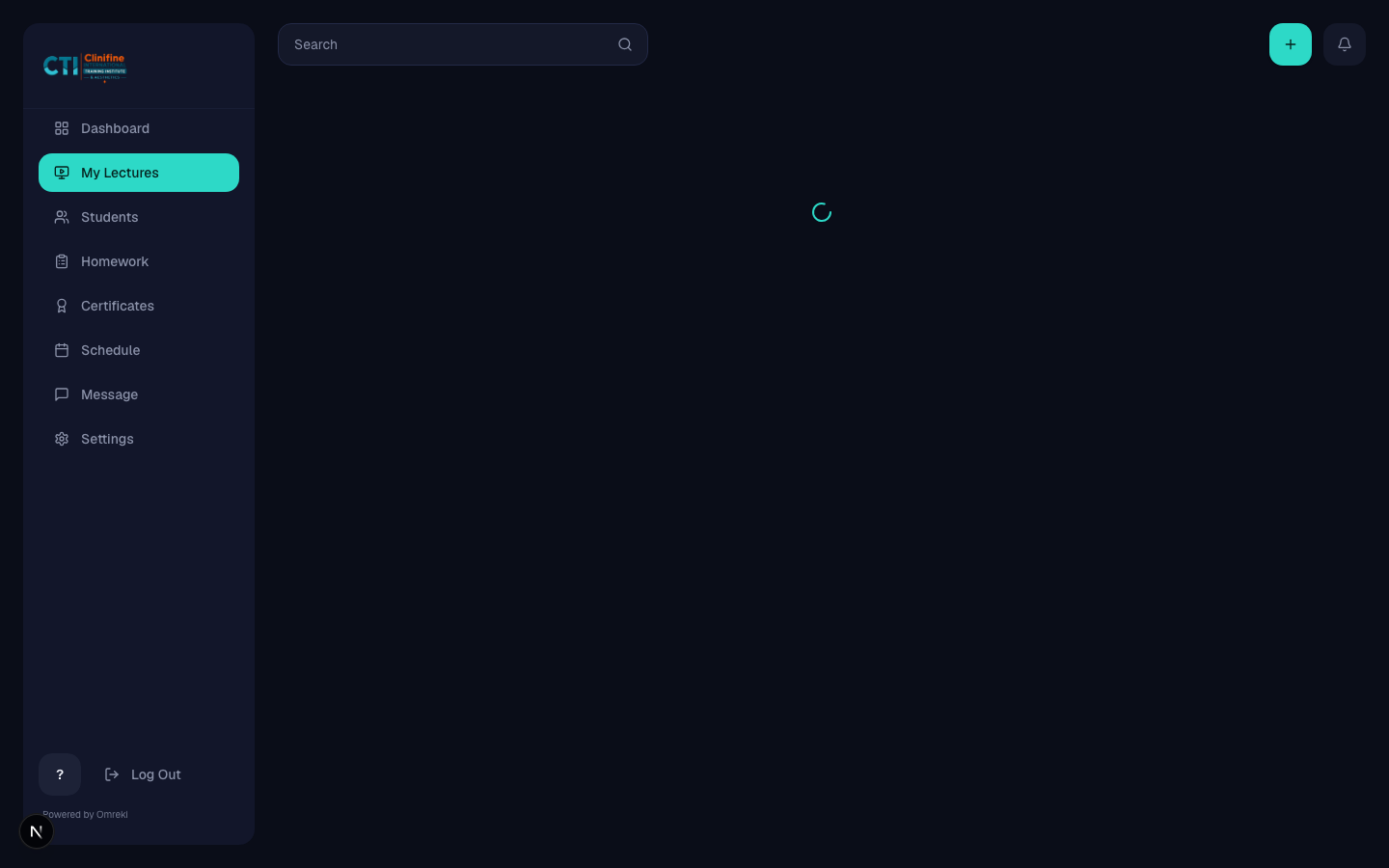
Open My Lectures
Go to My Lectures (/tutor/courses).
- 2
Create a lecture
Add a new lecture for the active module and cohort.
- 3
Build chapters
Add notes, video (upload / YouTube / Wistia), quiz, or scheduled system blocks. Duplicate and reorder chapters as needed.
- 4
Submit for review
When ready, submit. Status becomes pending review until an admin publishes.

Students and homework
Support your roster and run the homework loop.
- 1
Students
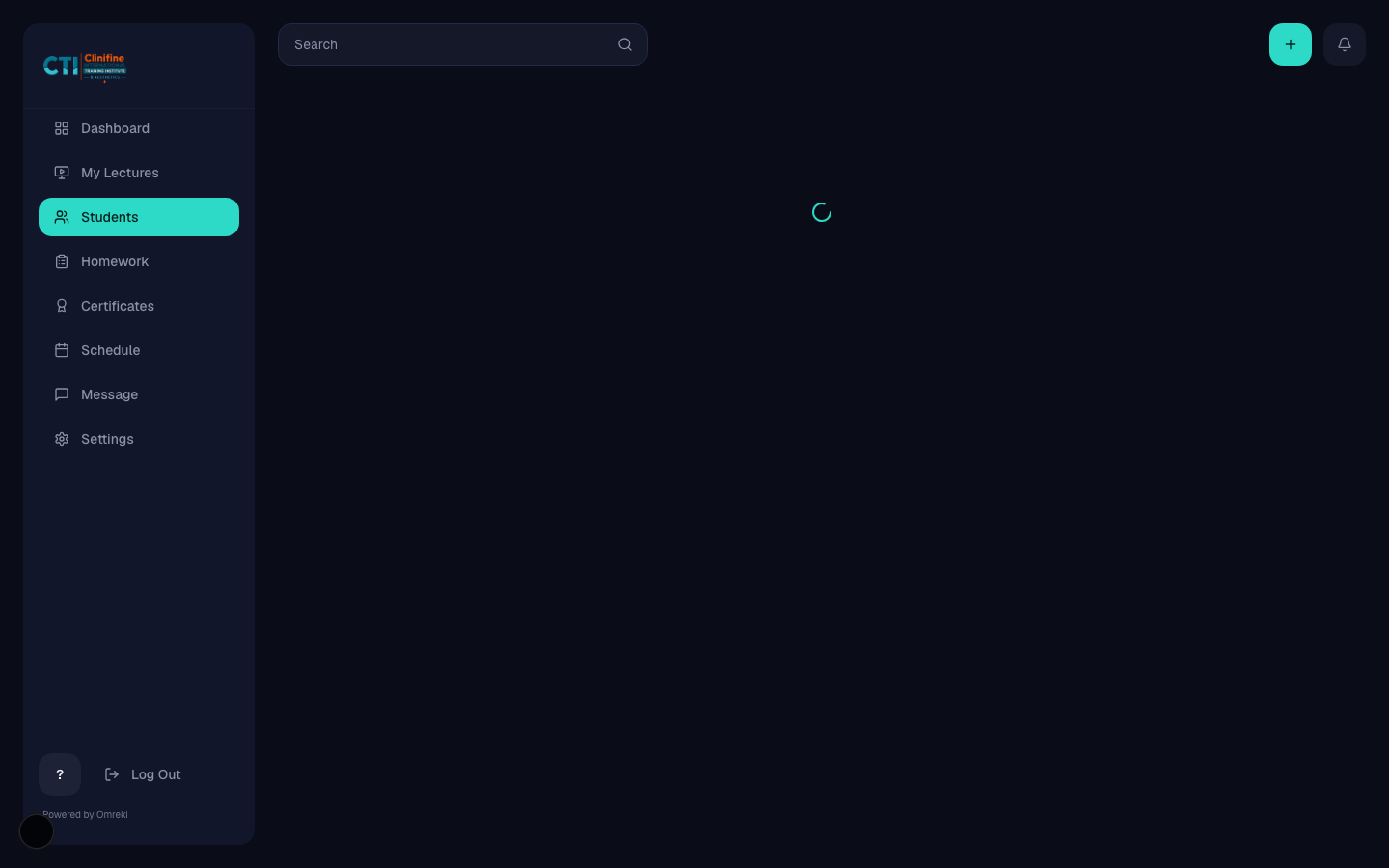
Open Students to view learners on your lectures. Warn, suspend, or reactivate when needed.
- 2
Create homework
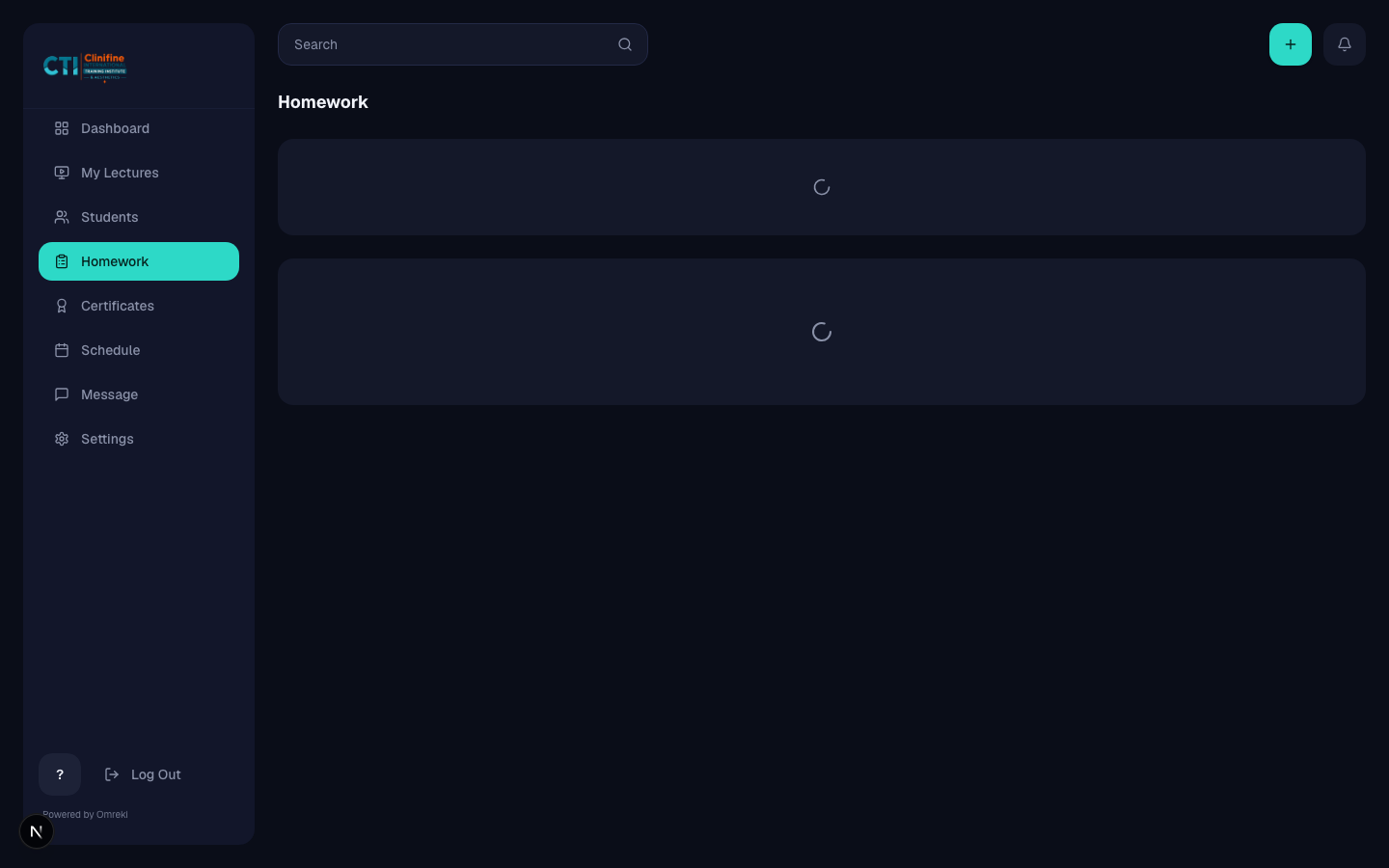
On Homework, create an assignment for the active module and cohort.
- 3
Review submissions
Approve completed work or send it back with feedback.
Certificates, schedule, messages, settings
Finish the teaching loop with grading, calendar, and profile tools.
- 1
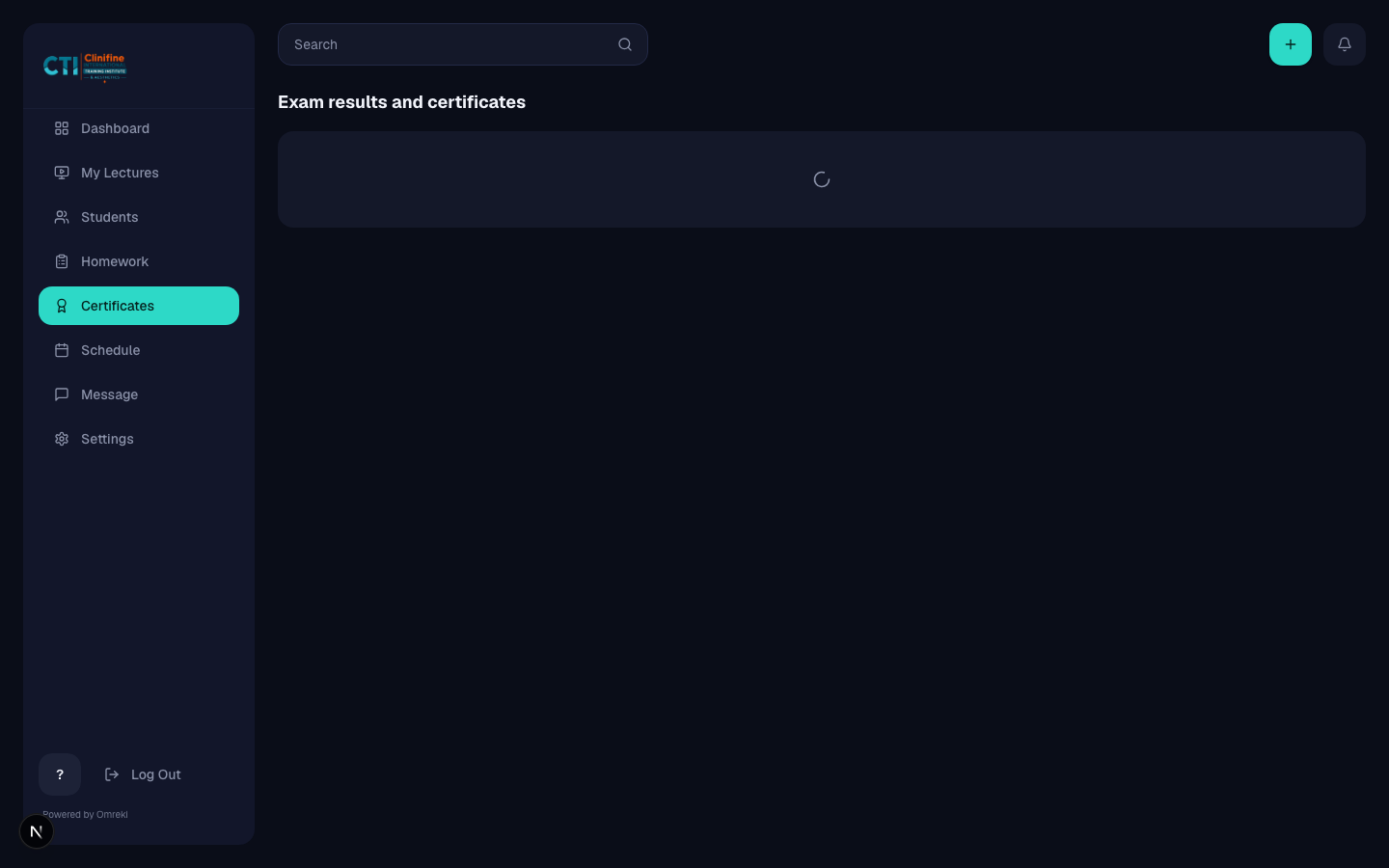
Certificates grading
Enter CAT, Main Exam, participation, and custom scores, then submit for admin approval.
- 2
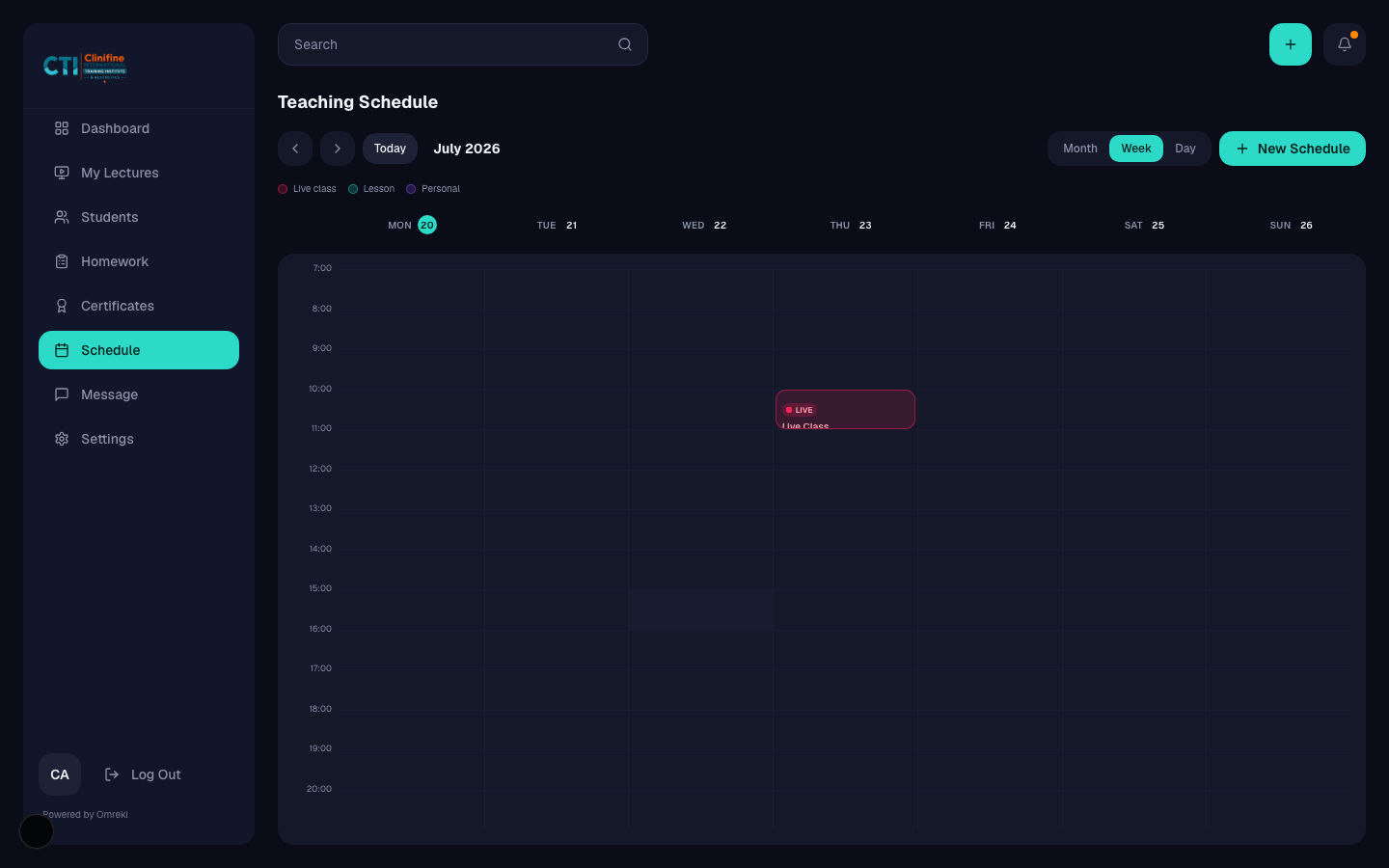
Schedule
Create cohort events. System-block meetings can sync into the calendar.
- 3
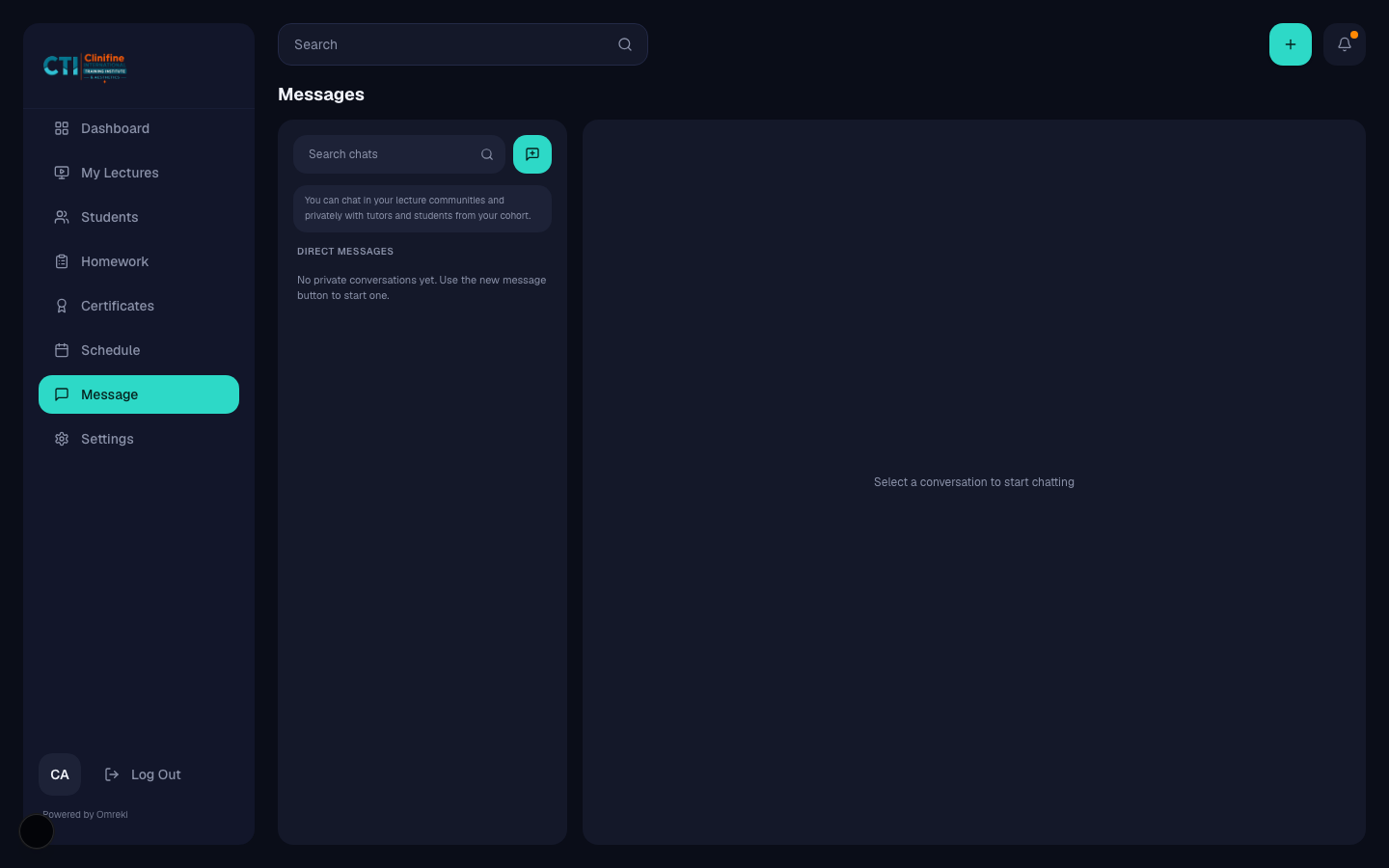
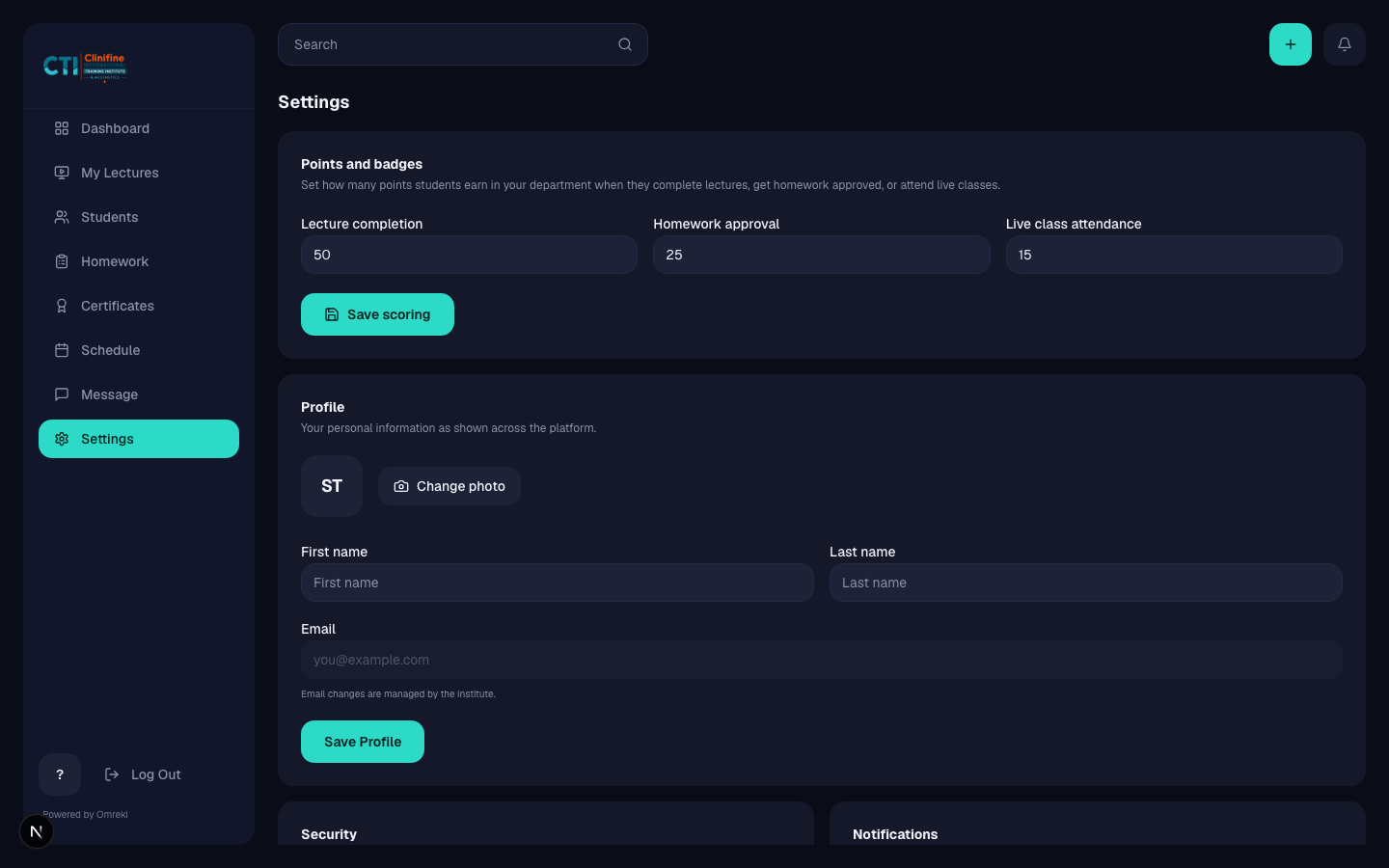
Messages and settings
Chat with students. Configure profile and scoring preferences in Settings.