Platform handbook
Sign-in and access
Choose the correct portal, sign in, and land on the dashboard for your role.
Step 1. Open the sign-in gateway
Start at /login when you are unsure which portal to use.
- 1
Open /login
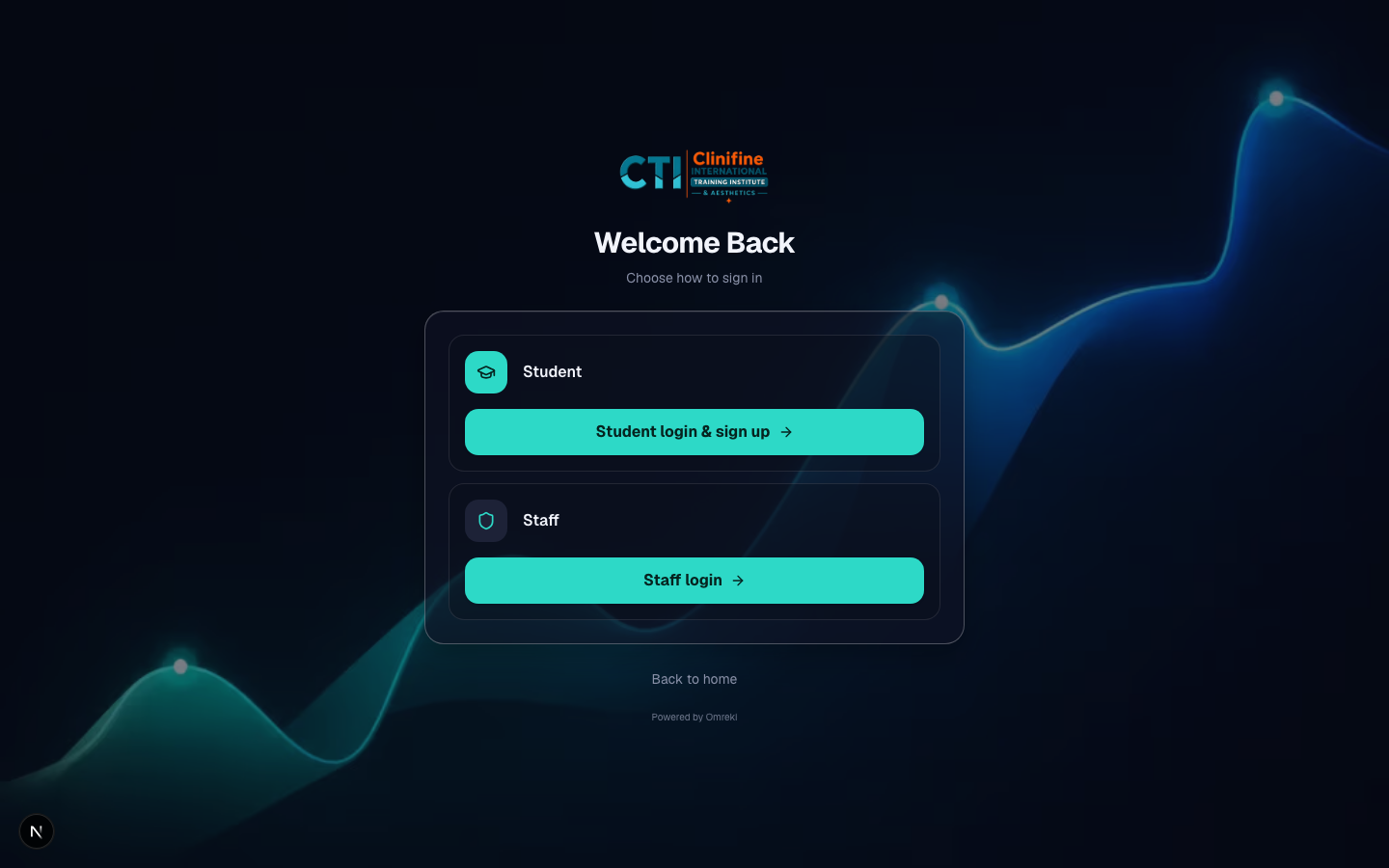
You will see two clear choices: Student and Staff.
- 2
Pick your portal
Students choose Student. Tutors and admins choose Staff.
Step 2a. Student login or signup
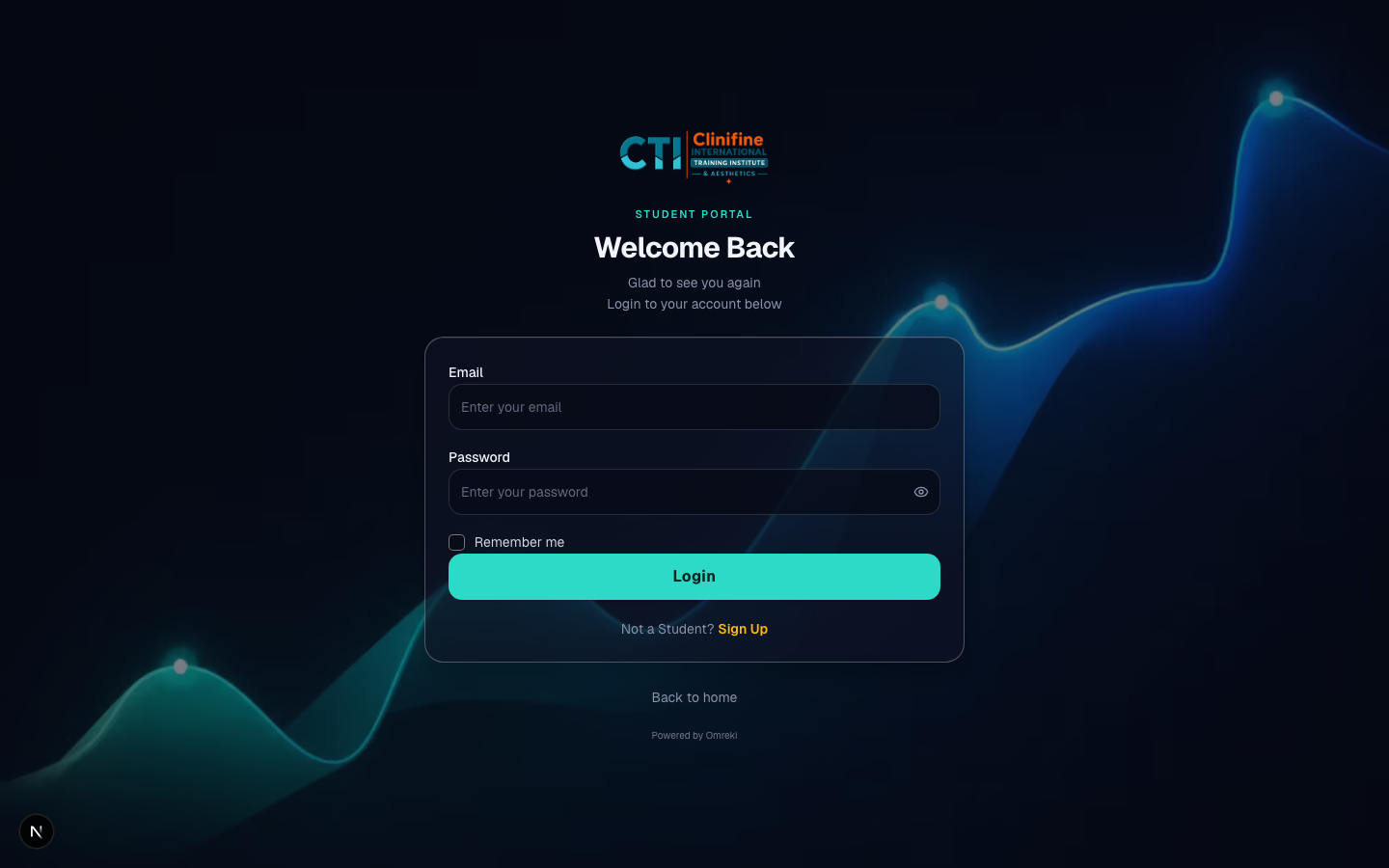
Students authenticate at /student/login.
- 1
Existing students
Enter email and password. Optionally enable Remember me to keep the email filled next time.
- 2
New students
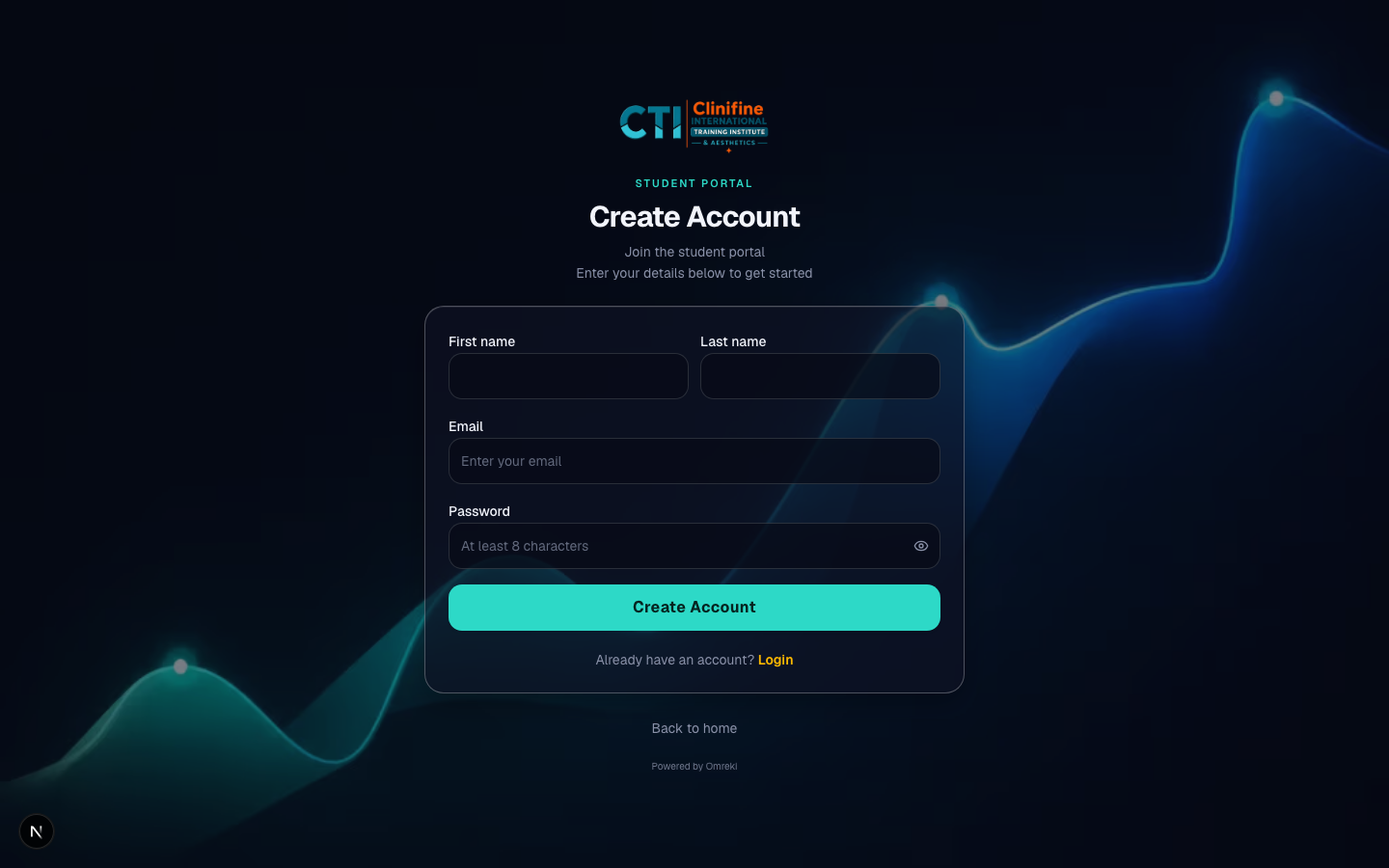
Open Signup mode, create an account, then complete enrollment for a module.
- 3
Password reset
Use the reset flow on the student login page if access is lost.
Step 2b. Staff login (tutor or admin)
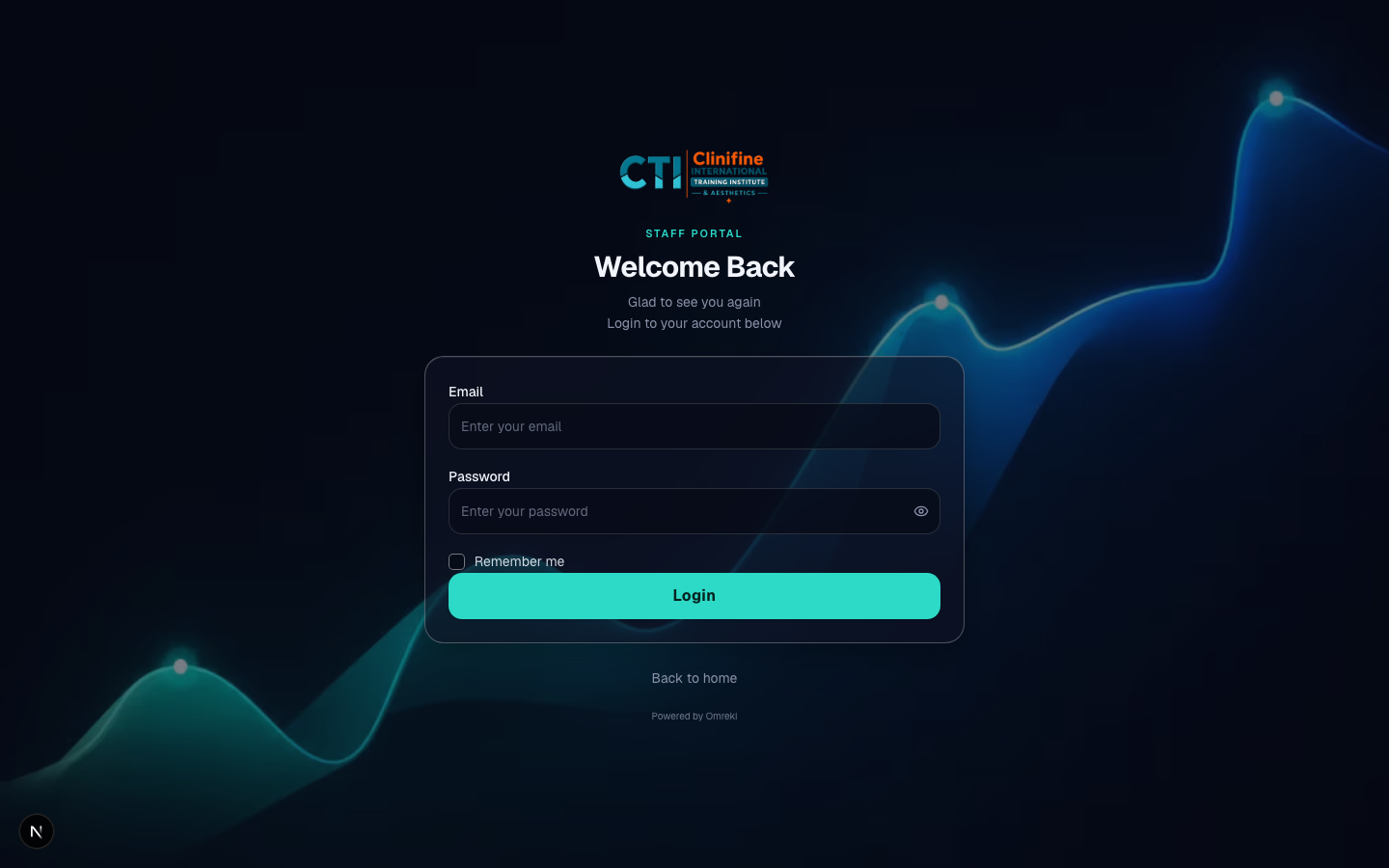
Tutors and admins share /staff/login. Role decides the dashboard after login.
- 1
Enter staff credentials
Use the email and password provided by the institute admin.
- 2
Automatic routing
Admins go to /admin. Tutors go to /tutor. Wrong-role accounts are blocked.